MX Linux comparison
MX Linux comparison
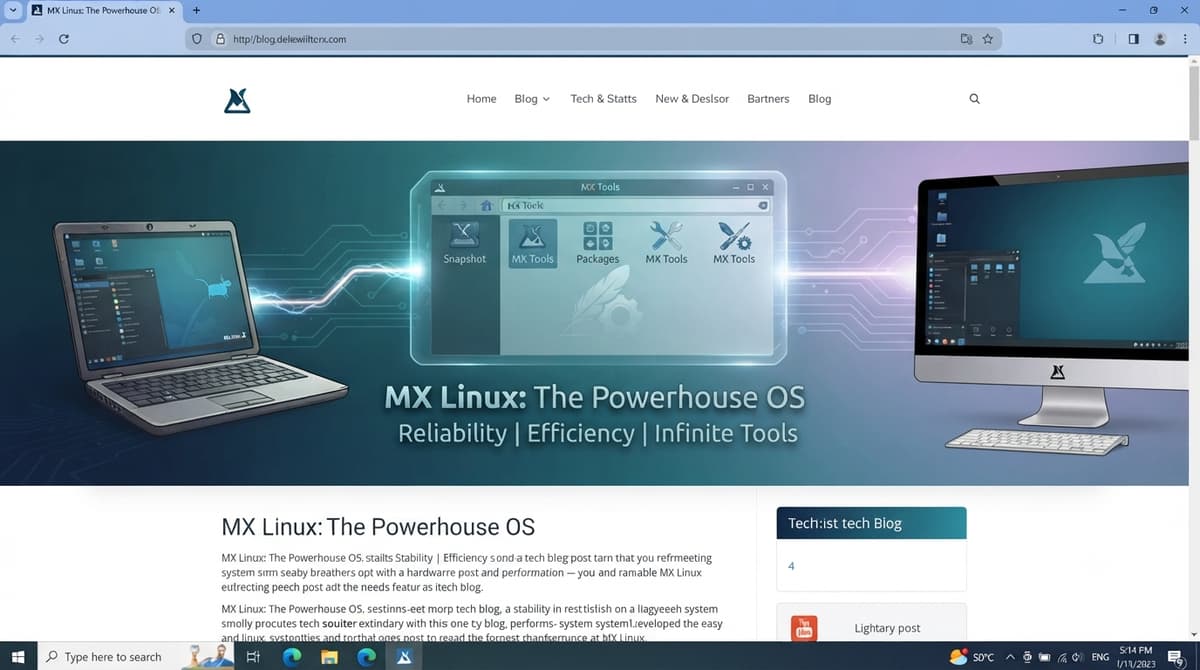
MX Linux is widely regarded as one of the best "all-around" lightweight distributions because it balances a small system footprint with a highly practical set of pre-installed tools.
When comparing it to other lightweight options in 2026, it helps to categorize them by how "minimal" they actually are.
Resource Usage Comparison (At a Glance)
| Distribution | Typical Use Case | Resource Footprint |
|---|---|---|
| Tiny Core / Puppy | Rescuing near-obsolete hardware | Extremely Low (runs on <256MB RAM) |
| antiX | Older machines (no systemd) | Very Low (starts at ~256MB RAM) |
| MX Linux | Daily driver, old & modern PCs | Low/Medium (starts at ~1GB RAM) |
| Lubuntu / Linux Lite | Windows-to-Linux transitions | Medium (starts at ~1GB RAM) |
Where MX Linux Stands Out
- The "Goldilocks" Zone: While distributions like Tiny Core or Puppy Linux are technically "lighter" (some can run on as little as 64MB-300MB of RAM), they often require significant manual configuration or have very specific, stripped-down environments. MX Linux provides a more "complete" desktop experience that feels like a modern operating system while still remaining responsive on modest hardware.
- The Power of MX Tools: Most lightweight distros make you rely on the terminal to save resources. MX Linux includes a robust graphical suite (MX Tools) that handles system maintenance, backups, and driver installation without needing to pull in heavy background services, keeping the system lean.
- Hardware Versatility: Unlike some ultra-minimalist distros that might struggle with modern Wi-Fi or Bluetooth drivers, MX Linux (based on Debian Stable) generally has excellent hardware support out of the box.
Summary of Alternatives
- If you need absolute minimums: Tiny Core or antiX are the industry standards for reviving computers from the early 2000s. antiX is particularly notable because it avoids systemd, which further reduces background overhead.
- If you want a "Windows-like" lightweight experience: Lubuntu (using the LXQt desktop) or Linux Lite are excellent alternatives that focus heavily on ease of use for new users.
- The "Software-First" Perspective: It is worth noting that much of your resource usage depends on the software you run, not just the OS. Even on a "heavy" distro, running a lightweight desktop environment like Xfce or LXQt will yield performance similar to a lightweight distro.
In short, if your goal is a balance of usability, stability, and speed, MX Linux is currently the top recommendation for most users. If you are trying to revive a machine with less than 1GB of RAM, you may need to look toward antiX or Puppy Linux instead.
Check some of our websites
- DMS International
- Sathero Meters
- Ivy Stone Place
- Tim Heinrichs Free business software
- Netflix Hidden Codes
Useful websites
- MX Linux is a good choice for replacing Windows.
- Libre Office free office suite.
- GNUCash free accounting software.
Attention bloggers & website owners, follow.it is in your interest. You will get many more recurring visitors with follow.it.
Check it out here Follow it.
VA RESOURCES
- For any questions or requests,1-800-MyVA411 (1-800-698-2411) is always the right number.
- Veterans Crisis Line: 988 and press 1 , Chat, or Text 838255
- Vet Centers: 1-877-927-8387
- Homeless Veteran Resources: 1-877-424-3838 or Chat
- Ask VA
- Schedule a 1-on-1 Appointment with a VA Benefits Expert
- Find a VA facility near you
For non-urgent questions, you can reach VA using the VA Health & Benefits App or MyHealtheVet secure messaging to schedule an appointment, refill prescriptions, and access your medical records.
